
Ficus
Mac Tabs and Windows for Figma
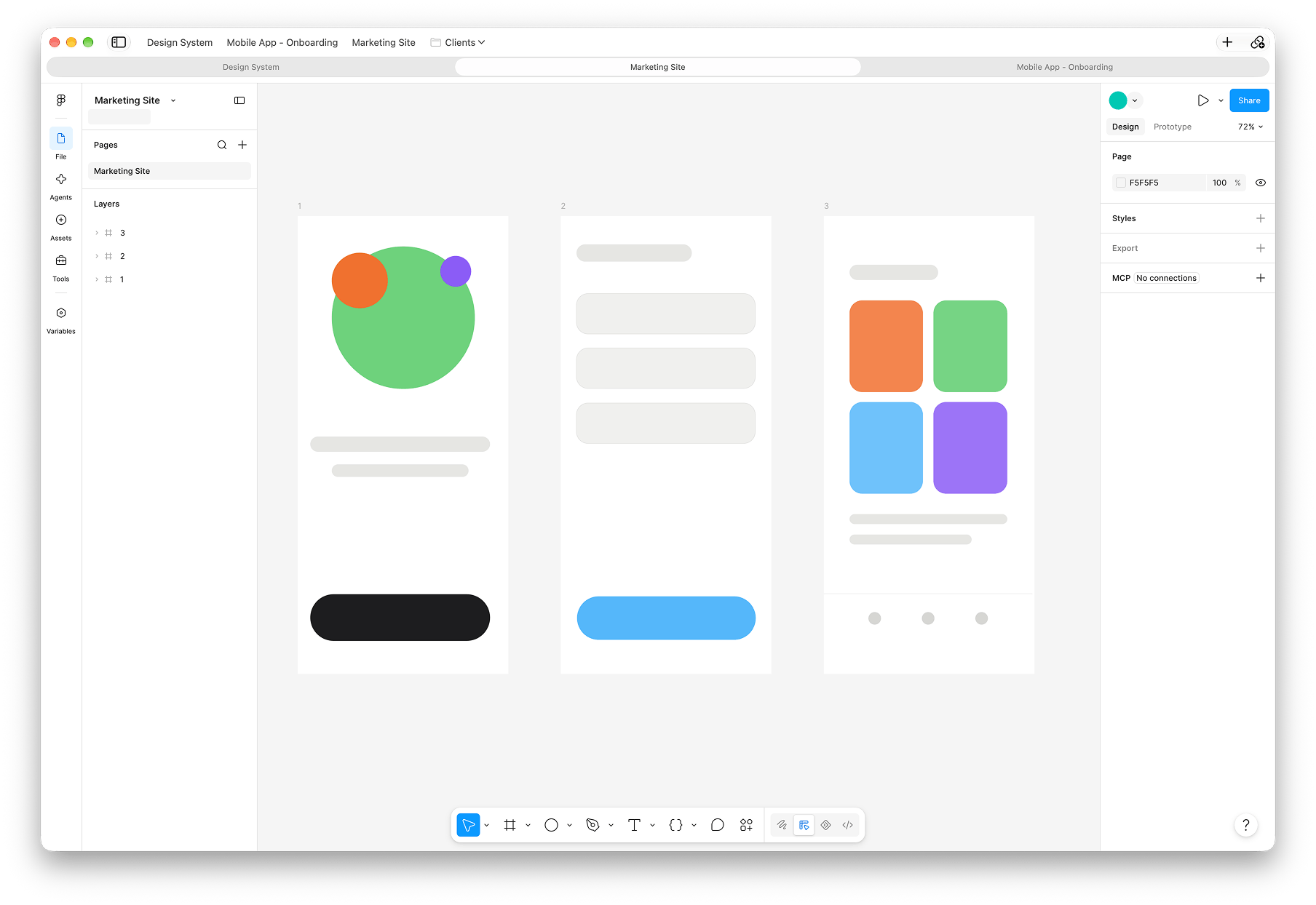
Open your Figma files in real Mac windows and tabs. Drag tabs between windows, keep your favourite files in a bar along the top, and have your file browser one click away.
Download for MacFor Mac with macOS 26 or later.
What it does
Ficus puts Figma in the same tabs and windows as the rest of your Mac.
Tabs and windows
-
Real Mac tabs
Every file gets a native tab. Drag tabs between windows, pull one out into a window of its own, or use Merge All Windows and Show All Tabs.
-
Pin tabs
Right-click a tab to pin the files you always have open.
-
Back where you left off
Your windows and tabs come back when you open Ficus again, and Reopen Closed Tab (⇧⌘T) brings back the last one you closed.
Home
-
Your files, one click away
Home opens your file browser in a panel over the left of the tab, already loaded. Choose a file and it opens in a new tab.
-
Make it your size
Drag the panel’s edge to make it wider, and every window remembers.
-
New Tab
⌘T shows new file types and your recent files, like the + in the desktop app.
Favourites
-
A favourites bar, like Safari’s
Keep files and folders of files in the toolbar. Drag a tab up onto the bar to add it, or drag in a link from a page.
-
Whole projects at once
Add These Tabs to Favourites saves every tab in a window into a folder, ready to open together.
-
Open them your way
Click to open in the current tab, ⌘-click for a new tab, or ⌥⌘-click for a new window.
Works the way you expect
-
Figma’s shortcuts keep working
Figma gets every key press first, so its own shortcuts work as they do anywhere else.
-
Exports go to Downloads
Just as they would in Safari.
-
Sign in once
Sign in with your email, Google, Apple or your company’s single sign-on, and every tab stays signed in. Links to other websites open in your usual browser.
Support
Ficus is made by one person. Questions and ideas are always welcome.
Found a problem, or have a suggestion? Email j@ckwal.sh and I’ll get back to you.
How do I install and update Ficus?
Ficus downloads as a zip. Open it if your browser hasn’t already, then drag Ficus into your Applications folder. When there’s a new version, Ficus offers to install it for you, or you can choose Ficus › Check for Updates.
Is Ficus made by Figma?
No. Ficus is an independent app. It shows Figma’s web app in Mac windows and tabs, so you sign in with your own Figma account and work in the same Figma you’d use in Safari.
How do I add a file to my favourites?
Drag its tab up onto the favourites bar, or choose Favourites › Add to Favourites. Favourites › Edit Favourites lets you rename, reorder and file them into folders.
Why did a link open in my browser?
Ficus keeps Figma inside the app and sends links to other websites to your usual browser. To open a Figma link someone sent you, choose File › Open Figma Link (⌘L).